Knowledge base article
Register a new domain
This article will guide you through registering a new domain
To get started, login to the Serversaurus Client Area. If you’ve forgotten your password, request a password reset.- Select the Domains menu item, from the drop down menu select Register a New Domain
- Check the domain name availability by entering your desired domain name into the search bar, then select Search
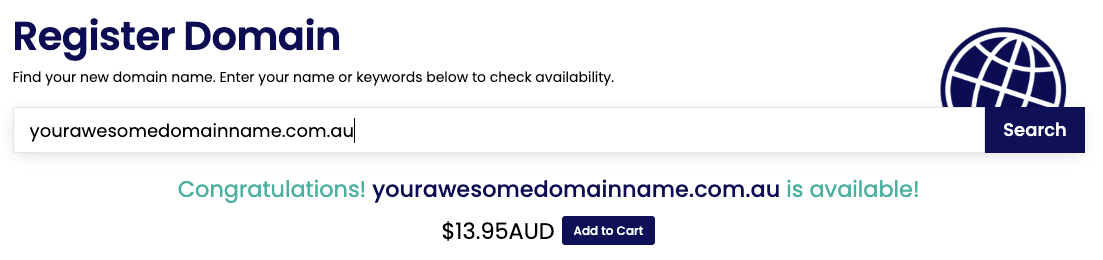
- Select Add to Cart, then select Checkout to continue
- If applicable, choose whether you want ID Protection for the domain. ID protection is not available for all domain TLDs, so simply proceed to the next step if this option isn’t available.
- If you are registering any *.au domain, complete the registration form with your registrant details. If this step doesn’t apply to your registration, simply proceed to the next step.
- If your DNS hosting will be managed externally, add your external nameserver details or otherwise leave our default nameservers as is
- Select Continue to review your order summary, then Proceed to Checkout.
Published November 25, 2020. Last updated February 26, 2026.
"*" indicates required fields